A sync server and native iOS app built for TaskWarrior. Use it standalone or connect to your own server. Your data stays yours, your CLI doesn't change, and your tasks work everywhere.
$ task sync Syncing with sync server at https://sync.cmdock.dev $ task +DUE list ID Age Project Due Description --- --- ---------------- ---------- ------------------------- 7 3d work.api-rewrite 2026-03-31 Fix auth middleware timeout 12 1d PERSONAL.Family 2026-03-31 School pickup 3:15 14 1w PERSONAL.Health 2026-03-31 Dentist 2pm 23 2d oss.cmdock 2026-03-31 Update Docker recipe 9 5d PERSONAL.Home 2026-04-03 Call electrician back 31 1d work.api-rewrite Tomorrow Review PR #47 6 tasks $ _
inthe.am is gone. FreeCinc is gone. WingTask has been working on TW3 support. cmdock is a sync server that speaks the TaskChampion protocol natively — task sync just works. Your .taskrc stays yours.
Self-host with Docker in 5 minutes. Built-in auth, device management, admin CLI, webhooks for automation. All features, no gating.
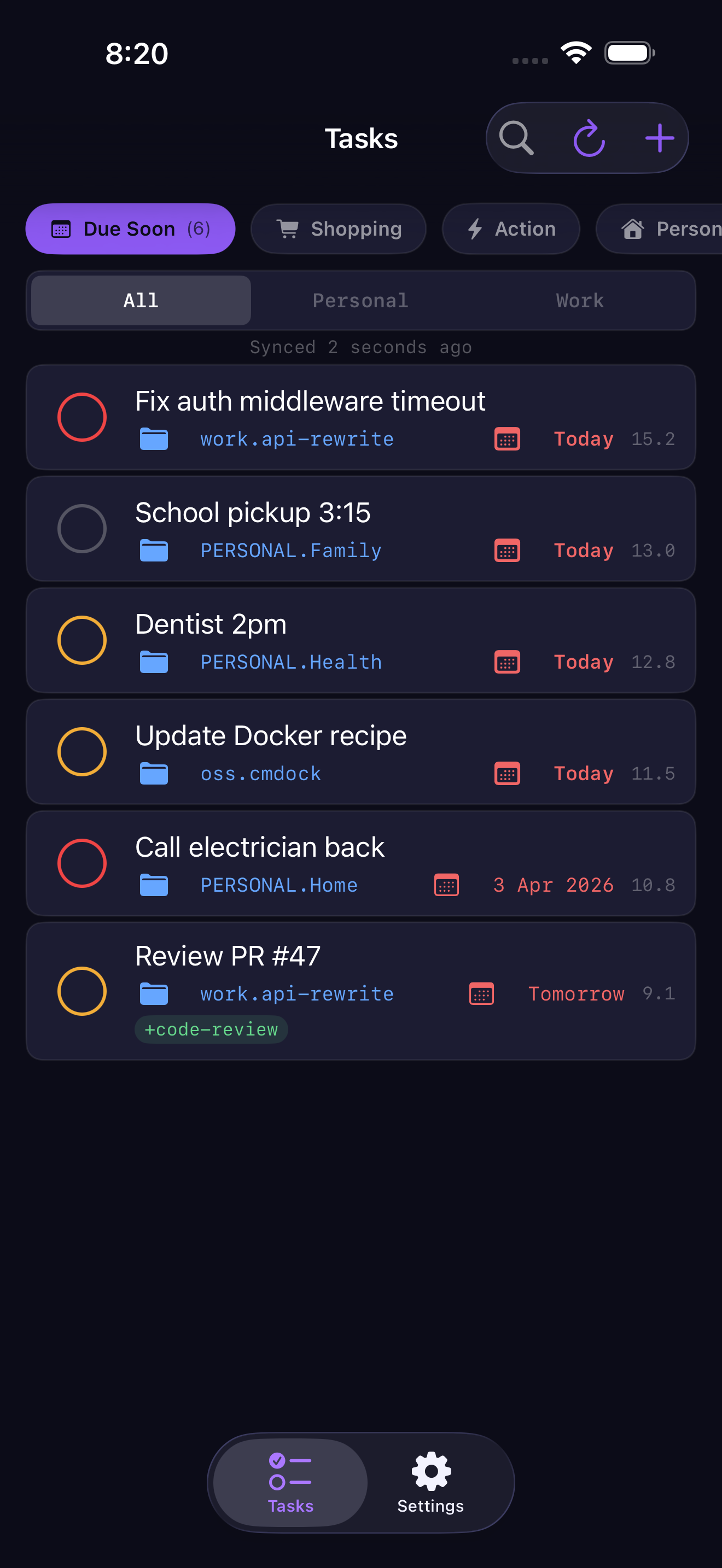
Urgency-sorted widgets. Focus mode filtering. Siri Shortcuts and Spotlight search. Offline queue that replays on reconnect. Works standalone or connected. Native SwiftUI.
Android in development. Same server, same sync.
Add a task at your desk, see it on your phone. Complete it on the train, it's done in the CLI. No manual sync, no conflicts.
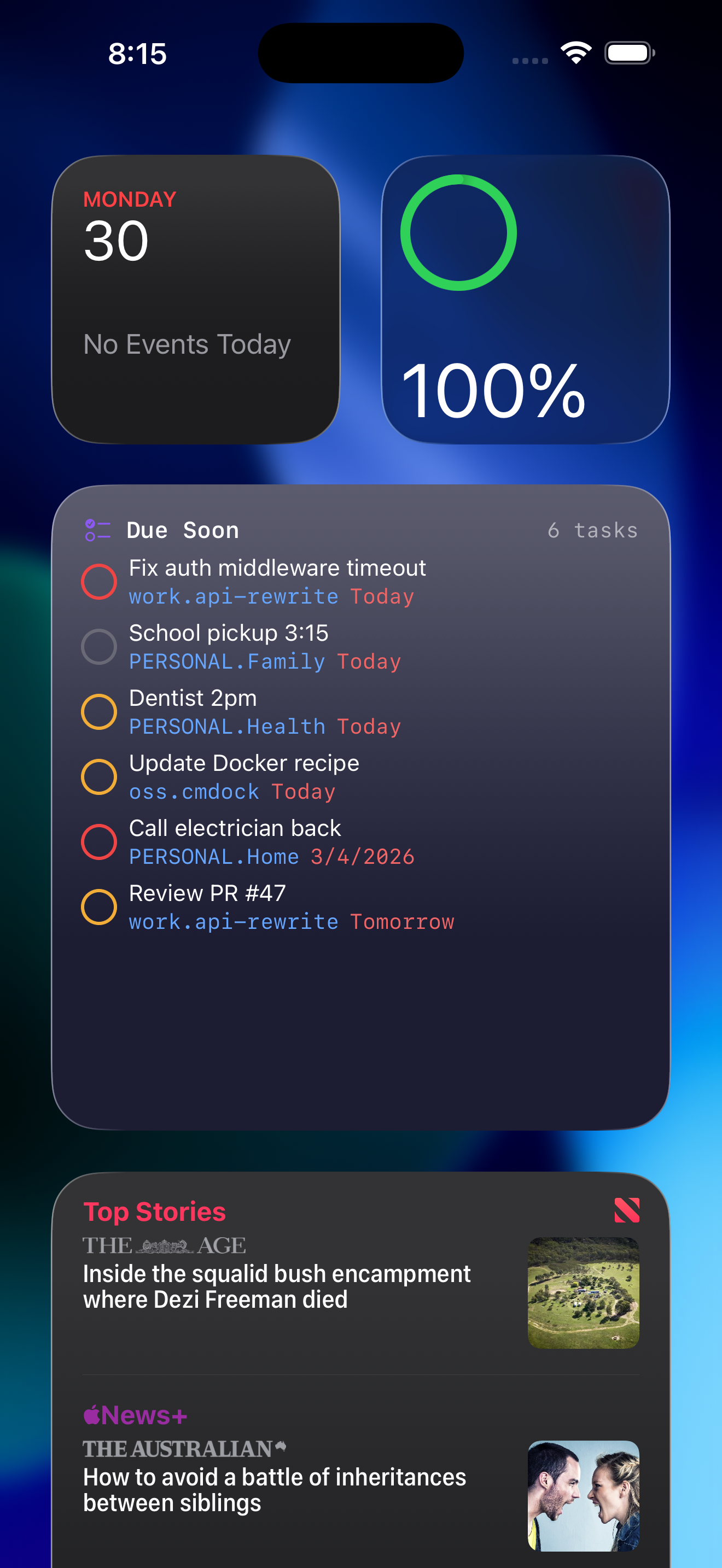
Widgets sorted by urgency. Focus mode filters work vs personal automatically. Your shopping list surfaces at the supermarket.
No signal? No problem. Changes queue on your device and replay when you reconnect. Reliable on the train, in a dead zone, on a plane.
task sync, task add, task next — all the same. The server syncs behind the scenes. No wrapper binary, no plugins to install.
Self-host on your own hardware. Server is AGPL-3.0 — full source, all features, no gating. Your tasks never touch infrastructure you don't control.
Webhooks fire on task changes — wire them to Slack, Home Assistant, or your own scripts. Admin CLI for backups, user management, and diagnostics.
Urgency-sorted task lists. Swipe to complete. Context-aware filtering by Focus mode. Offline queue that replays on reconnect.
Home screen widget
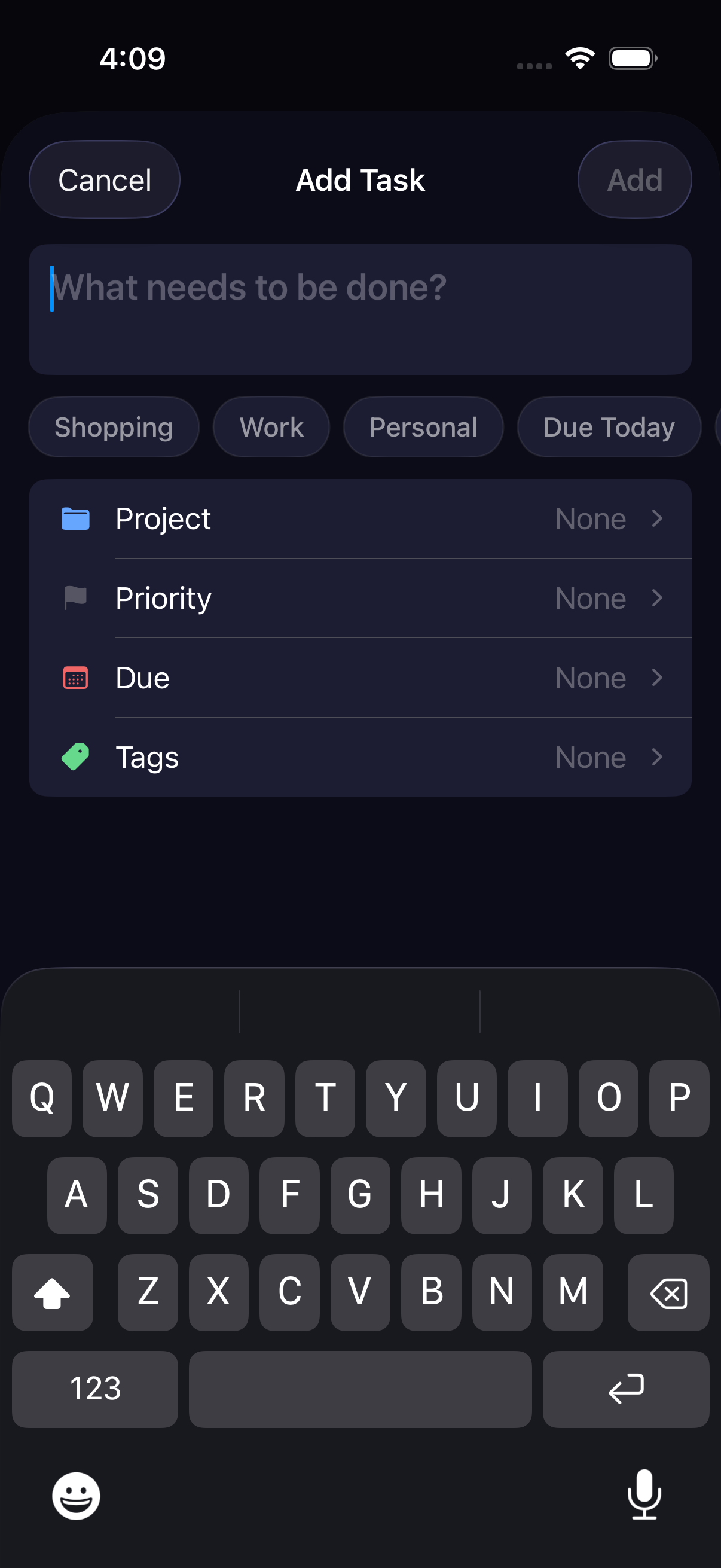
Quick add with presets
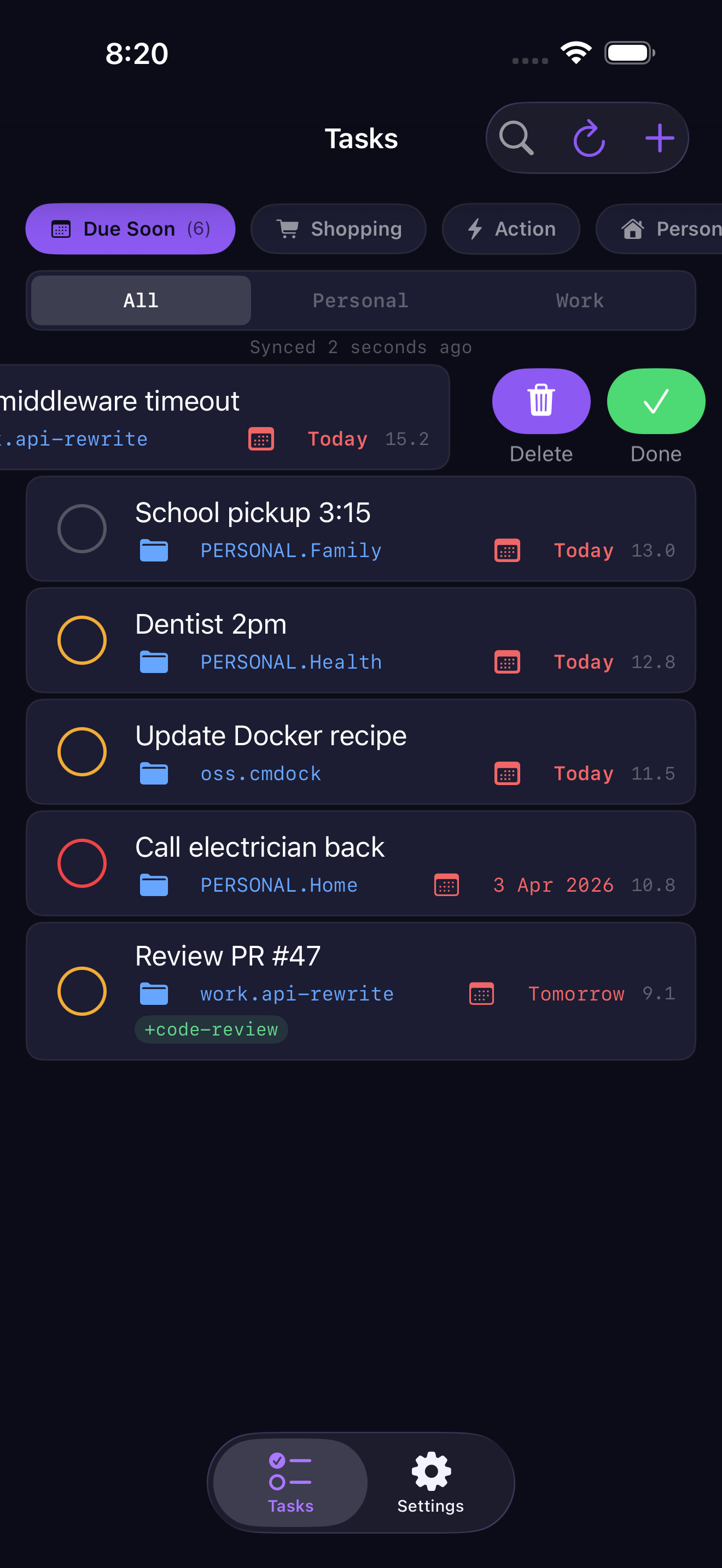
Swipe to complete # Pull image and start (~45 MB, HTTPS cert provisions on first request) $ mkdir cmdock && cd cmdock $ cat > compose.yaml <<'YAML' services: server: image: ghcr.io/cmdock/server:v0.2.0 restart: unless-stopped volumes: - server-data:/app/data expose: ["8080"] environment: CMDOCK_MASTER_KEY: ${CMDOCK_MASTER_KEY} caddy: image: caddy:2-alpine restart: unless-stopped ports: ["80:80", "443:443"] volumes: - ./Caddyfile:/etc/caddy/Caddyfile:ro - caddy-data:/data depends_on: [server] volumes: server-data: caddy-data: YAML $ cat > Caddyfile <<'CADDY' sync.yourdomain.com { reverse_proxy server:8080 } CADDY $ export CMDOCK_MASTER_KEY=$(openssl rand -hex 32) $ docker compose up -d ✓ Server running. HTTPS cert will provision on first request (~30s). # Create your account $ docker compose exec server cmdock-server admin user create --username alice User created: ID: 15f6fc60-28b6-4741-bb7a-f715d0c914de API token: 943202f6e1...d0489a (save this for the iOS app) # Provision a device $ docker compose exec server cmdock-server admin device create 15f6fc60-... --name laptop Device registered: Client ID: c0c173fd-706d-4c9b-aed2-ca6dde18347c Encryption Secret: 89b5db8c4955...a177a375 # Add to ~/.taskrc $ task config sync.server.url https://sync.yourdomain.com $ task config sync.server.client_id c0c173fd-706d-4c9b-aed2-ca6dde18347c $ task config sync.encryption_secret 89b5db8c4955...a177a375 $ task sync Syncing with sync server at https://sync.yourdomain.com ✓ Sync successful.
A managed hosted service is coming. Same sync, zero ops — we handle the infrastructure, TLS, backups, and uptime. Self-hosting remains free with all features. The managed service is for people who'd rather not think about servers.
Not available yet. Self-hosted is what ships today.
The iOS app is available now for external testers. Self-host the server and join the beta — all features, no gating.